Pablander


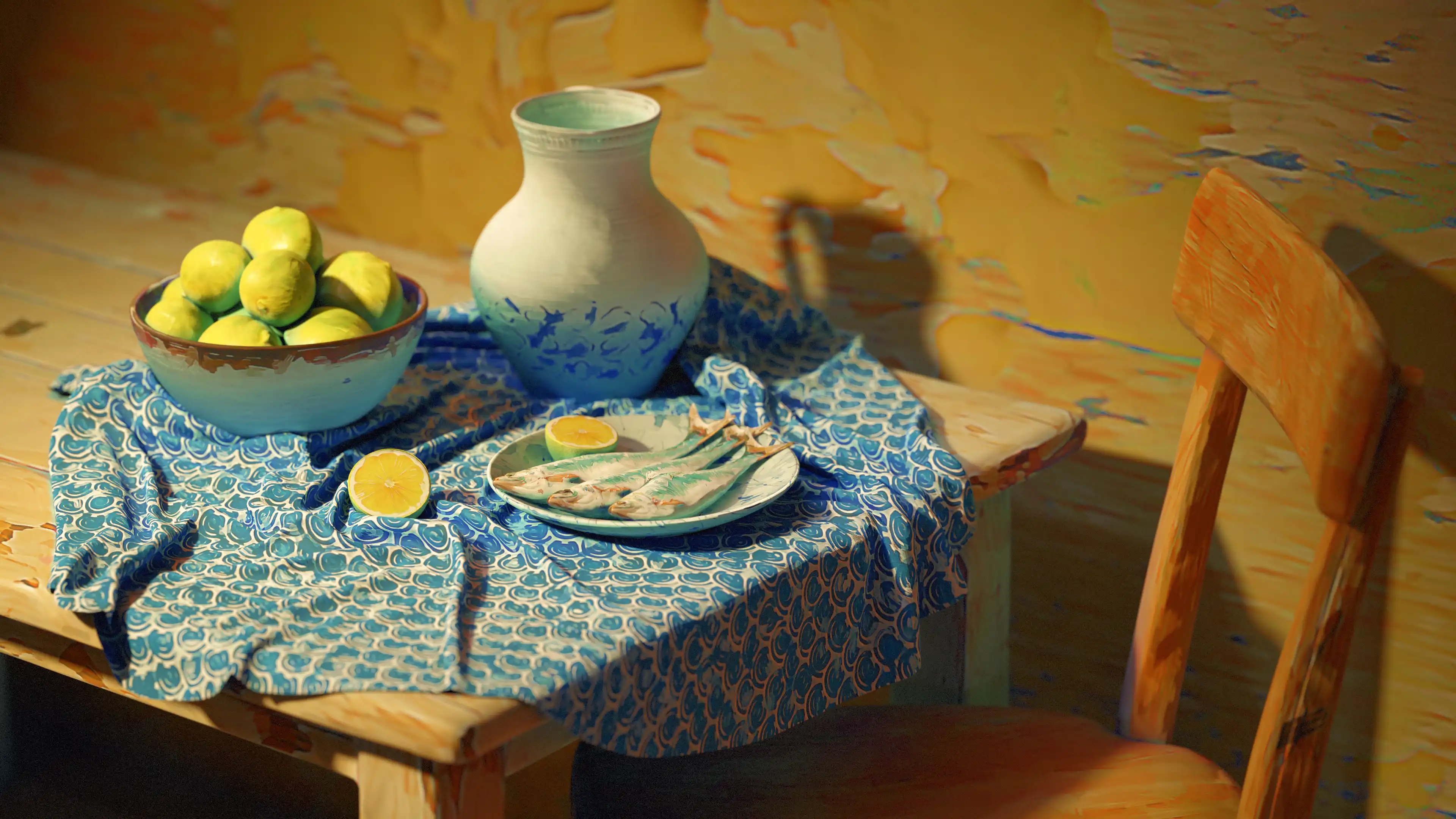
This is a simple 3D scene I put together to test some of the stylisation filters in Substance 3D Painter. The aim was to give it a painterly look so the whole setup feels more like an illustration. I also used these assets in a collaboration with Adobe for a video, where I broke down the different filters I used and how I applied them.

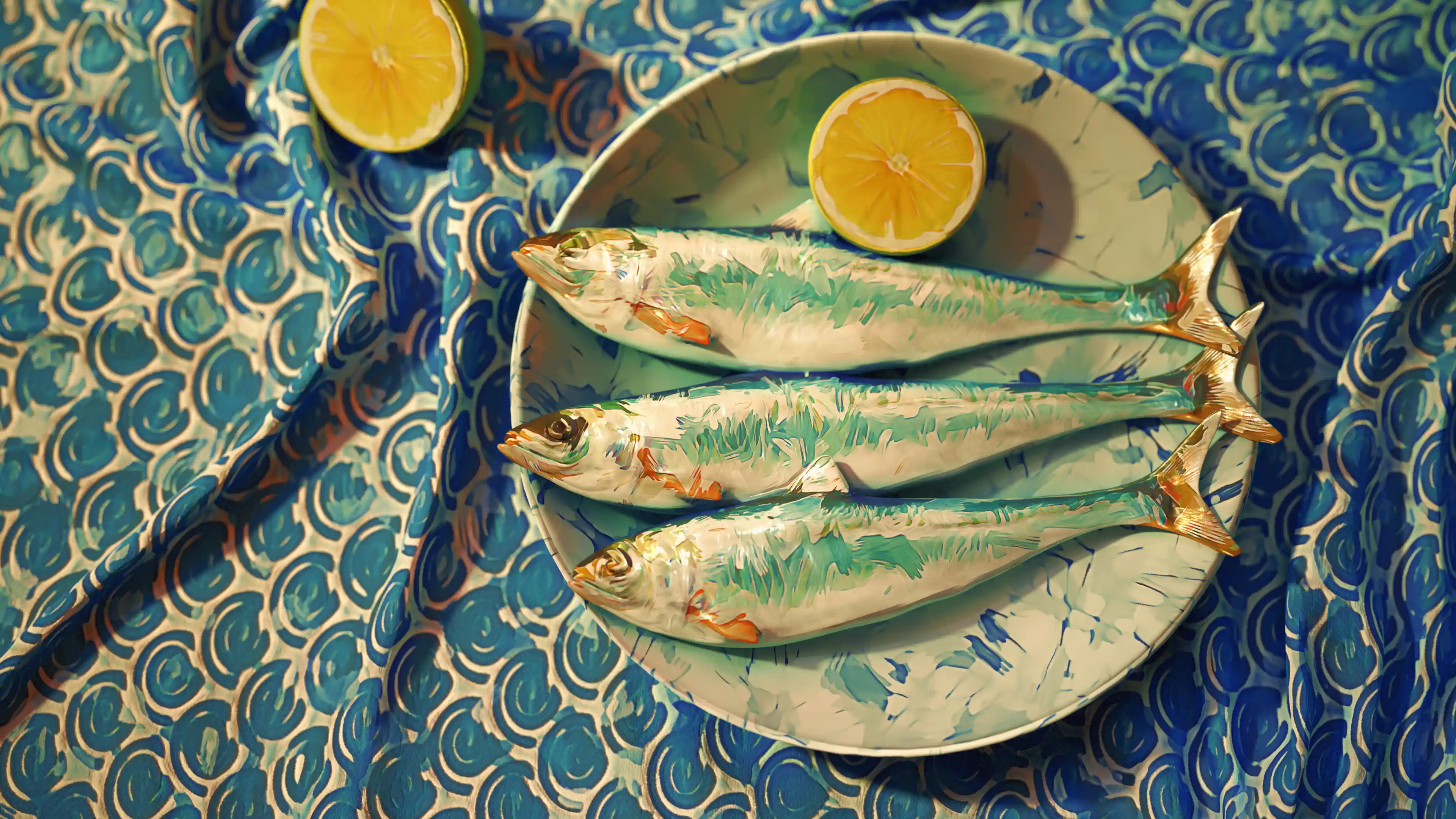
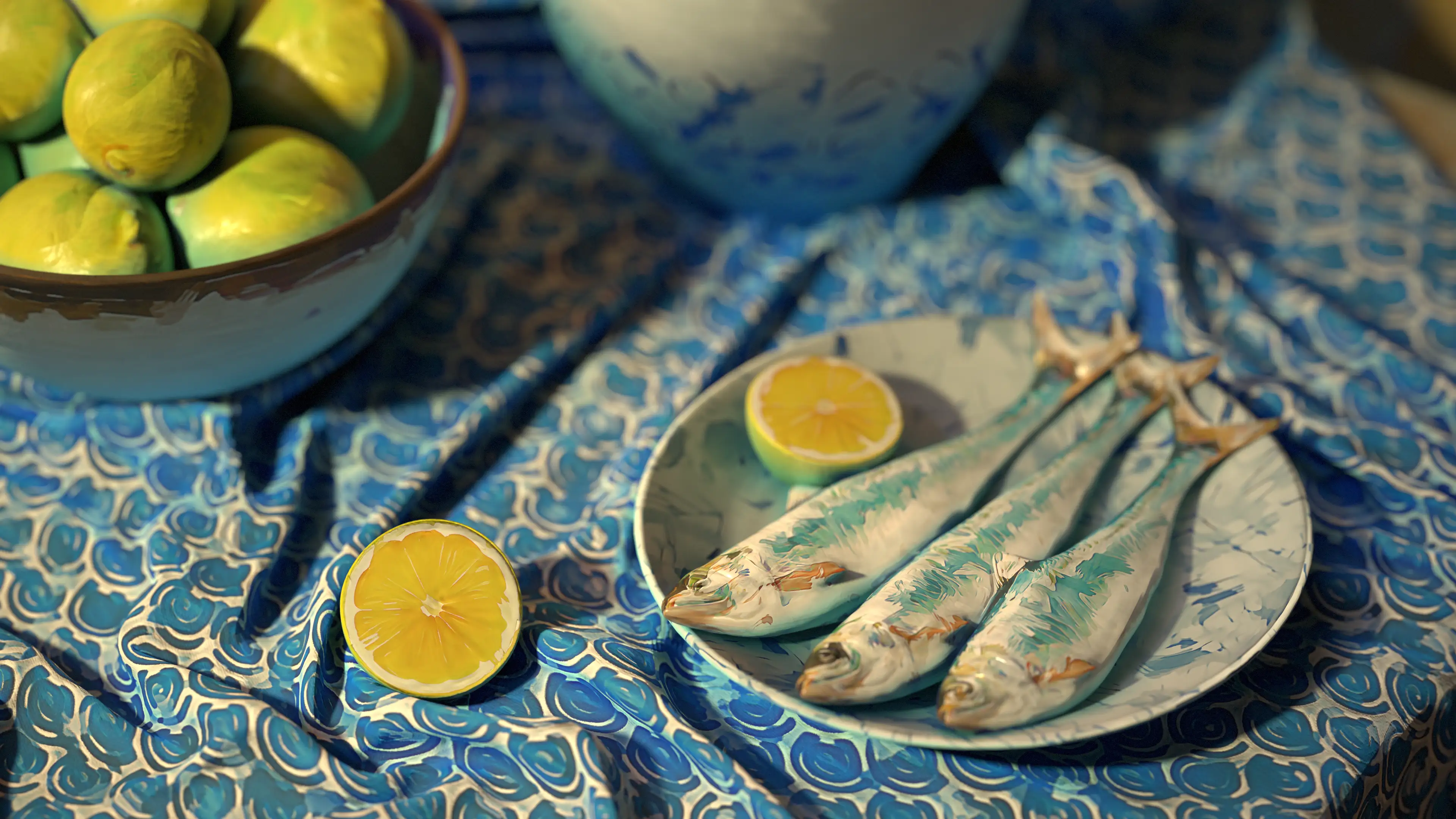
Here are a few alternative renders I did to test different angles. At first, I set everything up just ‘for the shot’… the goal was to nail that one illustration-style frame. But once I spent a bit more time polishing the assets, I ended up with a scene that works from almost any angle… you can basically screenshot a nice illustration wherever you point the camera. One of the coolest perks of setting up this kind of stylised scene in 3D

This is the high res model in ZBrush, I used very simple geometry and very subtle surface variations with the clay brushes to keep the more natural organic look. The table cloth was the only thing I created outside ZBrush and I used Marvelous designer for it.

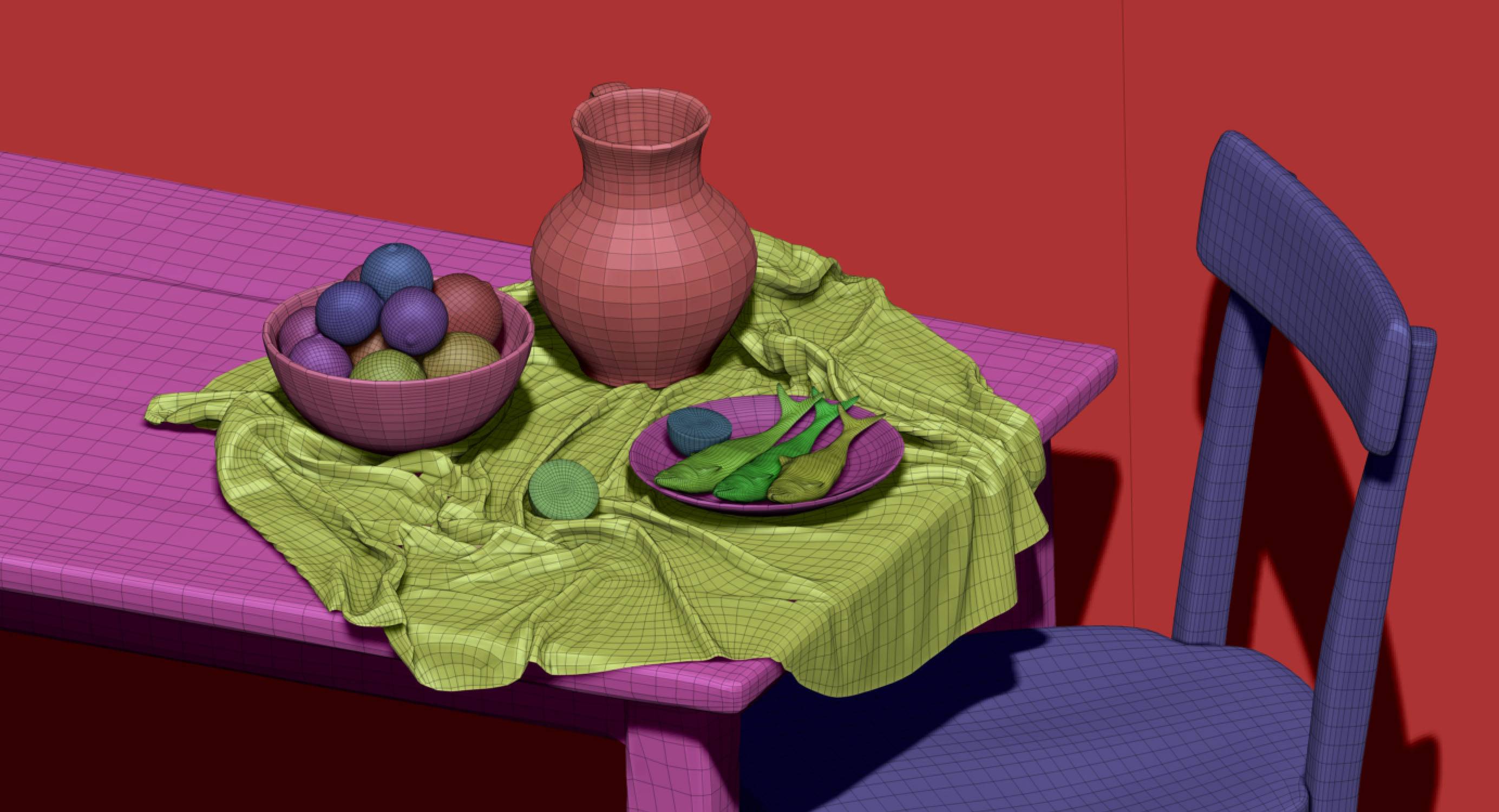
This is the low poly version of the scene and I use a quick ZRemesher for all the objects to simplify them a bit… They could definitely be improved but this as a concept works just fine.
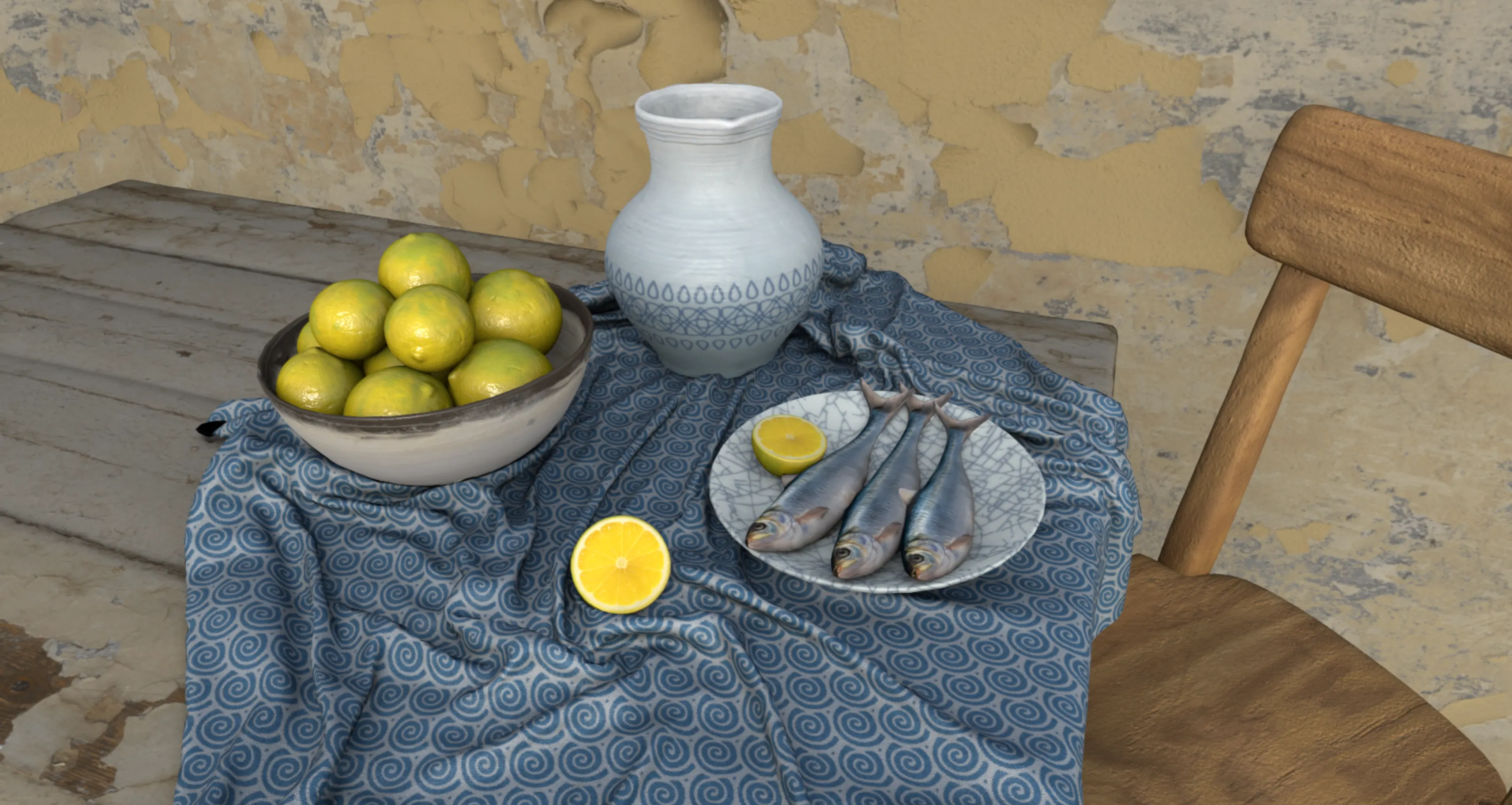
And just to emphasis how much the filters and additional effects add to the final look, here is a ‘plain’ version of the basic textures I used before applying any type of stylisation: